Minecraft APK is an open-world sandbox adventure game for Android that lets players explore endless randomly generated worlds, mine blocks, collect resources, craft tools, build houses, and fight dangerous mobs.
Enjoy Creative and Survival modes, discover different biomes, interact with villagers, explore dungeons, and challenge powerful enemies like the Ender Dragon. Play solo or join friends through supported multiplayer features and create your own unique world with endless building possibilities.
What is Minecraft APK?
Minecraft APK is an open-world sandbox game developed by Mojang Studios. It allows players to interact with a world made from different types of blocks. You can collect materials, create useful tools, construct buildings, explore different environments, and discover new locations throughout your adventure. One of the most interesting things about the game is that there is no single way to play. Some players spend hours building modern houses, farms, and entire cities, while others prefer exploring underground caves, finding rare materials, and fighting enemies.
The mobile version brings the main Minecraft experience to Android devices. Players can use their smartphones to create new worlds, customize gameplay settings, and enjoy different activities using touchscreen controls. Another important part of the game is its crafting system. You can combine collected materials to create tools, weapons, building blocks, and other useful items. As you progress, you can improve your equipment and explore more challenging areas.
Why Choose Minecraft APK?
Minecraft APK is a great choice for players who enjoy games that offer freedom and creativity. Unlike traditional mobile games that require you to complete specific missions in a particular order, this sandbox experience lets you choose your own activities. You can begin with a small wooden house and gradually turn it into a large village with farms, roads, storage rooms, and beautiful decorations. If you prefer adventure, you can explore caves, search for valuable resources, and prepare yourself for dangerous encounters.
The game also offers different difficulty settings, making it suitable for beginners and experienced players. You can start with peaceful gameplay to understand the basic mechanics before moving towards more challenging survival adventures. Another reason to enjoy it is the multiplayer experience. You can connect with friends, visit shared worlds, work on building projects, and participate in community servers where available. Its combination of building, exploration, crafting, and survival makes every gaming session different.
Many Ways People Search for Minecraft
Players use different search terms when looking for the game, its mobile version, updates, and related information. Understanding these search variations helps users find the information they need. Some common search terms include:
- Minecraft for Android
- Minecraft mobile game
- Minecraft Bedrock Edition
- Minecraft Android download
- Minecraft latest version
- Minecraft survival game
- Minecraft Creative Mode
- Minecraft building game
- Minecraft multiplayer game
- Minecraft Pocket Edition
- Minecraft crafting game
- Minecraft offline gameplay
- Minecraft worlds and maps
These searches usually relate to downloading the game, learning about its features, discovering new gameplay options, or finding information about Android compatibility.
Main Features of Minecraft APK
1. Open-World Exploration
The game provides large worlds with different environments to discover. You can explore forests, deserts, oceans, mountains, villages, and underground areas. Each location offers different resources and opportunities for adventure.
2. Creative Mode
Creative Mode is perfect for players who love building without limitations. You receive access to unlimited building materials and can fly around the world. You do not need to worry about hunger or ordinary survival challenges, allowing you to concentrate on your designs.
3. Survival Mode
Survival Mode introduces challenges that make the adventure more exciting. You must collect resources, manage your health and hunger, craft tools, and protect yourself from hostile creatures.
When night arrives, dangerous mobs can appear, so building a safe shelter and preparing useful equipment becomes important.
4. Crafting and Building
Crafting is one of the most important gameplay activities. You can combine different materials to create tools, weapons, furniture-related decorative items, and other useful objects.
Building gives you the freedom to design houses, castles, farms, bridges, and complete cities using different blocks.
5. Different Biomes
Minecraft worlds contain different biomes, each with its own landscape, weather conditions, vegetation, and creatures. Exploring these areas helps you discover new materials and interesting locations.
6. Multiplayer Gameplay
You can enjoy adventures with other players through supported multiplayer features. Depending on your platform, account, network, and server settings, you can join community servers or create shared worlds with friends.
7. Animals and Mobs
The game features different creatures, including cows, sheep, chickens, pigs, zombies, skeletons, and creepers. Some animals can provide useful resources, while hostile mobs create additional survival challenges.
8. Redstone Mechanics
Redstone allows players to create simple and advanced mechanisms. You can use it to build automatic doors, lighting systems, farms, traps, and other interesting projects.
9. Customization and Add-ons
Players can personalize their experience with supported skins, resource packs, maps, and add-ons. These options allow you to change the appearance of your character and customize parts of your world.
10. Different Challenges and Adventures
From exploring deep caves to entering dangerous dimensions, the game offers plenty of activities. You can collect rare items, improve your equipment, discover hidden locations, and work towards challenging objectives.
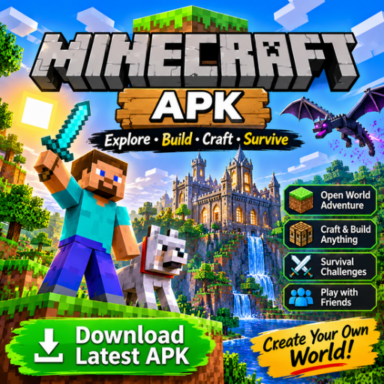
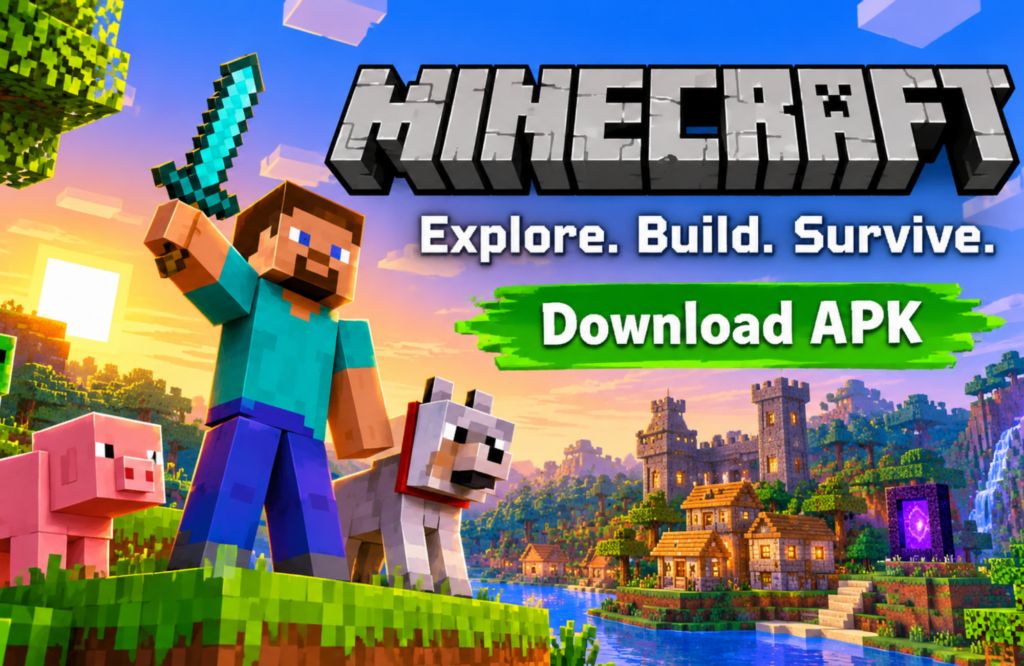
Image of the Minecraft APK
Tips for Using Minecraft
If you are new to the game, learning a few basic techniques can make your experience easier and more enjoyable.
Start by collecting wood: Wood is one of the first resources you should collect. It helps you create basic tools, crafting tables, and other essential items.
Build a small shelter: Before your first night, create a safe place where you can protect yourself from hostile mobs.
Make useful tools: Craft a pickaxe, axe, sword, and other tools to collect resources more efficiently.
Keep enough food: Food helps restore hunger, so collect crops, hunt animals, or create a small farm.
Explore carefully: Always carry useful equipment before entering caves or unfamiliar locations. Keep track of your surroundings to avoid getting lost.
Use Creative Mode for practice: Beginners can experiment with different blocks and building designs without worrying about survival.
Protect your valuable items: Store important resources in chests and keep backup copies of worlds when possible.
Learn basic crafting recipes: Understanding how materials work together will help you progress faster.
Security and Safety Considerations
When downloading any Android application, choosing a trustworthy source is important. The official Minecraft mobile game is published by Mojang on Google Play. Be careful with websites offering modified versions that promise unlimited resources, unlocked paid content, or special features. These files may be changed by unknown developers and could contain harmful code, unwanted advertisements, or other security risks. Before installing an Android application, consider these precautions:
- Download the original game from a trusted source.
- Check the developer’s name before installing.
- Review app permissions carefully.
- Avoid suspicious download buttons and unknown websites.
- Keep your Android operating system updated.
- Do not share your Microsoft account password with unofficial services.
- Back up important game worlds before reinstalling or updating.
- Avoid modified applications that request unnecessary permissions.
The safest option is to install the official version through Google Play. Always check the source and authenticity of any installation file before using it.
Pros and Cons of Minecraft APK
| Pros | Cons |
|---|---|
| Offers creative freedom and open-world exploration | Some beginners may find the controls difficult |
| Includes Creative and Survival gameplay | The full mobile game is paid |
| Provides many crafting and building possibilities | Large worlds can require considerable storage |
| Supports multiplayer experiences | Online features require an internet connection |
| Offers different biomes and creatures | Some advanced activities take time to learn |
| Allows customization through supported content | Performance depends on device hardware |
| Provides long-term replay value | Unofficial modified files can create security risks |
FAQs About Minecraft APK (People Also Ask)
1. What is Minecraft APK?
Minecraft APK is an open-world sandbox game where players can explore different environments, collect resources, craft tools, build structures, and survive against dangerous creatures.
2. Is Minecraft APK available for Android?
Yes. Minecraft APK is available for compatible Android devices through Google Play. The mobile version is based on Bedrock Edition.
3. Is Minecraft APK free to play?
The official full Android game is a paid application. Its price can vary depending on your country and Google Play region. Be careful with websites advertising unofficial free versions.
4. Can I play Minecraft APK offline?
Yes. Many single-player activities can be enjoyed offline after the game has been installed. However, multiplayer servers, account-related services, and online content require an internet connection.
5. What is the difference between Creative and Survival Mode?
Creative Mode provides unlimited building resources and the ability to fly, making it suitable for designing structures. Survival Mode requires players to collect materials, manage health and hunger, and protect themselves from enemies.
6. Can I play Minecraft APK with friends?
Yes. The Bedrock mobile version supports multiplayer gameplay through compatible worlds, servers, and Realms. Availability depends on your account, network, and subscription requirements.
Conclusion
Minecraft APK is an entertaining sandbox game that combines creativity, exploration, crafting, and survival in one open-world experience. It gives players the freedom to build their dream structures, discover different environments, collect valuable resources, and enjoy adventures with friends.
Whether you prefer designing impressive buildings in Creative Mode or testing your skills in Survival Mode, the game offers plenty of activities to explore. Its flexible gameplay, customization options, and multiplayer features make it an interesting choice for mobile gaming enthusiasts. For Android users, the official version provides a convenient way to enjoy the Bedrock experience on a smartphone. Download it through a trusted source, explore its different features, and start creating your own world, one block at a time.