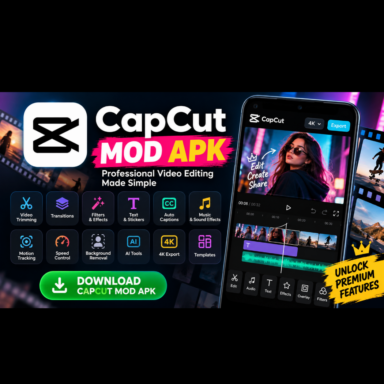
CapCut Mod APK is a popular search term for users looking for advanced video editing tools, premium effects, and creative features. CapCut is a video and photo editing app that helps beginners and content creators make TikTok videos, Instagram Reels, YouTube Shorts, vlogs, and tutorials.
Its editing tools include timeline editing, transitions, filters, automatic captions, AI-powered features, audio controls, and high-resolution exports on supported devices. Some features require a CapCut Pro subscription, and unofficial modified versions may pose security and privacy risks. Explore its features, latest version information, editing tips, pros and cons, and safer alternatives before choosing a video editor.
What Is CapCut Mod APK?
CapCut Mod APK is a video editing application developed by ByteDance. It helps users create and edit videos using tools such as trimming, cutting, transitions, text, filters, music, and visual effects. The application is popular among social media creators because it provides editing tools for both beginners and experienced users. You can use it to create short videos, add subtitles, adjust video speed, combine clips, and prepare content for different platforms.
For example, imagine you have recorded a wedding ceremony with your phone. You can use a video editor to combine the best moments, add background music, include the couple’s names, and create a memorable highlight video. Similarly, a small business owner can create product promo videos without expensive editing software. CapCut offers free editing tools, although the availability of particular features may depend on your device, region, application version, and subscription plan.
What Is a Modified Version?
An CapCut Mod APK is the file format used to install Android applications. A modified APK is an application package that someone has changed from its original form. These modifications may claim to unlock premium tools, remove certain restrictions, or provide additional features without a subscription.
A modified video editor may advertise benefits such as premium filters, additional effects, or watermark-free exports. However, these claims are not guaranteed to be genuine. Some modifications may not work, and others may introduce unwanted software or security problems. It is also important to understand that a modified application is not automatically an official release. Unless the original developer authorizes the modification, users should not assume that it is genuine or supported.
Why Do People Look for Modified Video Editors?
People search for modified applications for different reasons. Understanding these reasons helps explain why the topic attracts attention.
1. Access to Premium Tools
Some users want advanced editing tools without paying for a subscription. Modified applications often claim to provide access to premium effects, filters, and other features.
However, these claims may be misleading, and some features may still require an account or an internet connection.
2. Watermark-Free Videos
Watermarks are logos or text that appear on a video. They can identify an editing application or creator.
Some users prefer videos without visible branding, particularly when preparing professional content for clients. However, watermark behavior depends on the editing feature and export settings. A modified installation does not guarantee a clean export.
3. More Creative Effects
Video creators often look for additional transitions, animated text, filters, and visual effects.
These tools can help make videos more interesting. However, good editing depends on how you use the tools, not simply on how many effects an application contains.
4. Simple Social Media Editing
Many creators want an application that allows them to prepare videos quickly.
For example, a shop owner might record a new product, add a price, include background music, and publish the video on Instagram. A straightforward editor can make this process easier.
5. Saving Money
Beginners may not want to purchase a subscription before learning video editing.
The official free version and other free editing applications can be useful starting points. Before paying for any service, compare its available tools with your actual editing needs.
Main Features of CapCut Mod APK
CapCut Mod APK provides several editing features that help users create videos for different purposes. The available tools can change as the application receives updates.
1. Video Trimming and Cutting
Trimming allows you to remove unwanted parts from the beginning or end of a video. Cutting allows you to divide a clip into smaller sections.
For example, if you record a two-minute video but only want to share the best 30 seconds, you can remove the unnecessary parts.
2. Transitions Between Clips
Transitions control how one video clip changes into another. You can use simple fades, zoom effects, and other available transitions to make your videos flow more smoothly.
Using too many transitions can make a video distracting, so choose effects that suit the content.
3. Filters and Color Adjustments
Filters change the appearance of a video. Color adjustment tools allow you to control brightness, contrast, saturation, and other visual settings. These tools can help improve footage recorded in different lighting conditions.
For wedding videos, for example, careful color adjustment can help skin tones and clothing look more natural.
4. Text and Animated Titles
Text tools allow you to add titles, names, captions, and other information to your videos. You could add the name of a couple to a wedding highlight, display product prices in an advertisement, or introduce a topic in a YouTube video.
Animated text can make titles more noticeable when used carefully.
5. Music and Audio Editing
Background music can change the mood of a video. Audio tools help you adjust sound levels and combine music with recorded audio. For example, you can lower the background music when someone is speaking so that viewers can understand the voice clearly.
Remember to check music licensing before publishing commercial content. A song being available inside an editing application does not automatically mean it can be used for every commercial purpose.
6. Speed Controls
Speed controls allow you to make footage slower or faster. Slow motion can highlight an important moment, while faster footage can help show a long process in a shorter video.
These effects are useful for travel videos, sports clips, tutorials, and event highlights.
7. Automatic Captions
Automatic caption tools can convert spoken words into text. Captions help viewers understand videos when the sound is turned off. They can also improve accessibility for people who have difficulty hearing.
Always review automatically generated captions because names, accents, and unfamiliar words may be recognized incorrectly.
8. Background Removal
Background removal tools can help separate a person or object from the background. Depending on the available tool, you may be able to replace the original background or create a different visual setting.
The quality of the result depends on the footage, lighting, and feature being used.
9. Templates and Ready-Made Designs
Templates provide prearranged editing styles that users can adapt to their own content.
They can save time when creating short social media videos. However, template availability may depend on your region, account, and application version.
10. Export Settings
Export settings control how a finished video is saved. Depending on the version and device, you may be able to select options such as video resolution and frame rate.
Higher-quality settings can create larger files, so choose settings that match your intended platform and available storage.
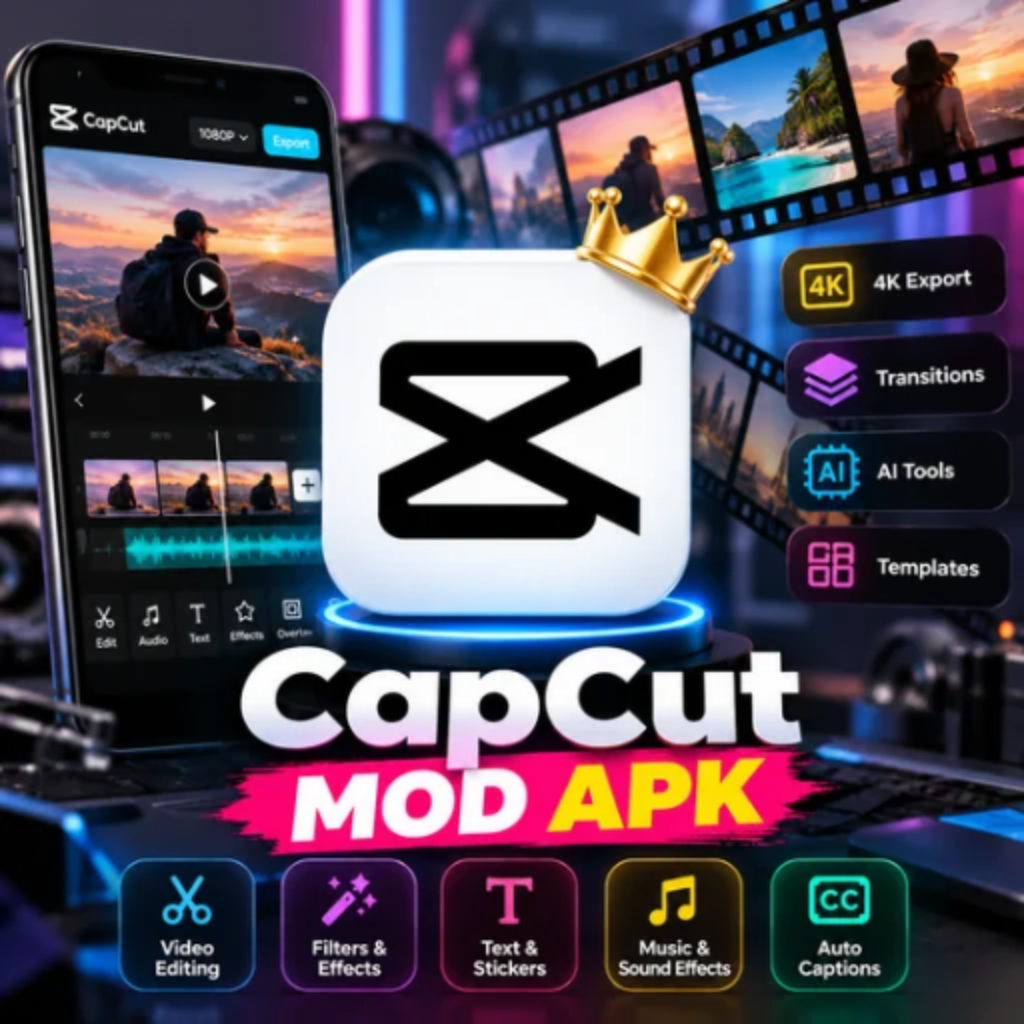
Image of the CapCut Mod APK
How to Use CapCut Mod APK for Better Video Editing?
You do not need to be a professional editor to start creating useful videos. Follow these beginner-friendly steps.
Step 1: Choose Your Video Clips
Open the official application and select the videos you want to edit.
Choose clips that support the purpose of your video. Removing unnecessary footage makes the final result easier to watch.
Step 2: Arrange the Clips
Place the selected clips in the order you want viewers to see them.
For example, a wedding highlight might begin with the venue, continue with important ceremony moments, and finish with memorable scenes of the couple.
Step 3: Remove Unwanted Parts
Trim clips to remove mistakes, long pauses, and unnecessary sections.
Shorter videos can be easier to watch, particularly when creating content for social media.
Step 4: Add Text and Transitions
Add titles or captions when they help viewers understand the video.
Use transitions where they improve the flow between clips. Simple editing often looks more professional than adding effects everywhere.
Step 5: Adjust the Audio
Add suitable music if needed. Balance the music with any recorded voices and check that the sound is clear.
Make sure you have permission to use any music you include in your published content.
Step 6: Preview the Video
Watch the complete video before exporting it.
Check for spelling mistakes, sudden changes in sound, unwanted clips, and poorly timed transitions.
Step 7: Export and Save
Choose suitable export settings and save the finished video to your device.
Watch the exported file to confirm that the final result looks and sounds correct.
Security: Is a Modified Version Safe?
Security is one of the most important things to consider before installing an application from an unofficial source. CapCut’s official safety guidance recommends downloading the application from official sources and avoiding modified or cracked versions. A third-party installer may have been changed in ways that are difficult to detect. It could contain unwanted advertisements, harmful software, or code designed to collect personal information.
However, it is important to be accurate: not every unofficial CapCut Mod APK is necessarily infected, and a file’s appearance alone cannot prove whether it is safe. Consider these precautions before installing any Android application.
Download From Official Sources
Use the official CapCut Mod APK website or a trusted app store. You can find CapCut’s safety guidance on its official website.
Avoid websites that make unrealistic promises about unlimited premium access or guaranteed security.
Review App Permissions
An editing application may need access to selected photos, videos, or audio files to perform its main functions.
Be cautious if an application requests permissions that do not appear necessary for the task you want to perform.
Protect Your Personal Information
Avoid entering sensitive information into unfamiliar applications.
If you edit private family videos, wedding footage, or client recordings, consider where the files are stored and whether any online features upload them to a service.
Keep Your Device Updated
Operating system and application updates can include important security improvements.
Use supported software and install updates from trusted sources whenever possible.
Be Careful With Unknown Files
Do not assume that a file is safe simply because a website labels it as verified or virus-free. If an application behaves strangely after installation, such as displaying unusual advertisements or requesting unexpected access, stop using it and investigate the problem.
For more information, read the official guide: Is CapCut Safe to Use?.
Advantages and Disadvantages
Before choosing a video editor, compare its benefits with its limitations.
Advantages
- Provides useful video editing tools for beginners.
- Helps users combine multiple video clips.
- Offers creative transitions and visual effects.
- Supports text and caption features.
- Can help create content for social media.
- Includes tools for adjusting video speed.
- Offers a practical starting point for learning editing.
- Can reduce the need for complicated editing software for simple projects.
Disadvantages
- Some advanced tools may require a paid subscription.
- Certain features may not be available in every region.
- Editing large videos can use considerable storage and processing power.
- Online features may require an internet connection.
- Unofficial modified versions may contain harmful software.
- Modified installations may crash or stop working after updates.
- Some templates and music may have usage restrictions.
- Uploading private videos to online services can create privacy concerns if you do not understand their settings.
Important: The advantages of the official application should not be confused with unverified claims made by third-party modified versions.
Best Alternatives to Consider
If you want to edit videos without installing an unofficial application, several alternatives are worth exploring.
The best choice depends on your device, budget, editing experience, and the type of content you create.
1. VN Video Editor
VN is a video editing application that offers tools for arranging clips, adding music, creating transitions, and adjusting video speed. It may be useful for beginners who want to learn editing through a mobile application.
Check the current features and availability before installing it.
2. InShot
InShot is a mobile video and photo editing application. It can be useful for preparing short videos, resizing content for social media, adding text, and combining clips.
Some features may require payment, depending on the version and platform.
3. Canva
Canva is a design platform that also offers video creation and editing tools. It can be useful for making promotional videos, social media posts, presentations, and simple marketing content.
Explore its official website at https://www.canva.com/.
4. DaVinci Resolve
DaVinci Resolve is a video editing program designed for computers. It includes advanced editing and color correction tools. It may be suitable for users who want to learn more professional video production. However, it can require a more powerful computer and more time to learn than a basic mobile editor.
Visit the official website at https://www.blackmagicdesign.com/products/davinciresolve.
5. Adobe Premiere Rush Alternatives
If you are considering Adobe’s editing products, check the current availability and support status of the specific application before choosing it. Adobe Premiere Pro is a more advanced computer-based editor that can be useful for professional projects, although it requires a paid subscription.
Visit https://www.adobe.com/products/premiere.html for current product information.
Which Alternative Is Best?
- For simple mobile editing, compare VN and InShot.
- For social media graphics and straightforward marketing videos, consider Canva.
- For more advanced computer-based editing, explore DaVinci Resolve or Adobe Premiere Pro.
- Always check current pricing, supported devices, and feature limitations before making a decision.
Tips CapCut Mod APK for Creating Better Videos
Choosing an application is only one part of successful video editing. The way you plan and edit your content also matters.
Keep Your Videos Focused
Decide what you want viewers to learn, feel, or do after watching your video.
A product advertisement should focus on the product. A wedding highlight should focus on meaningful moments.
Use Clear Text
Choose readable fonts and make sure text stands out against the background.
Avoid putting too much information on the screen at once.
Do Not Overuse Effects
Transitions, filters, and animations can improve a video, but too many effects can distract viewers.
Use effects to support your message rather than to fill empty space.
Check the Sound
Poor audio can make an otherwise good video difficult to enjoy.
Listen to your finished video with headphones before publishing it.
Select the Correct Video Size
Different platforms may use different video formats. Vertical videos are commonly used for short-form social media content, while horizontal videos are often suitable for traditional YouTube videos.
Check the current requirements of your chosen platform before exporting.
Save a Copy of Your Project
Keep original footage and project files when possible.
This can help you make changes later without having to recreate the entire video.
Respect Copyright
Use music, photographs, video clips, and other materials that you own or have permission to use.
This is particularly important when creating advertisements or videos for paying clients.
Frequently Asked Questions
1. What is CapCut Mod APK used for?
CapCut Mod APK is used to edit videos by trimming clips, adding music, creating transitions, inserting text, applying effects, and preparing content for social media.
2. Is CapCut Mod APK free to use?
CapCut Mod APK offers free editing features, but some tools and services may require payment. Availability can vary by region, device, and application version.
3. Does CapCut Mod APK support Android devices?
CapCut Mod APK offers Android support in supported markets. Check its official website or your device’s trusted app store to confirm current availability and compatibility.
4. Can I use CapCut Mod APK to create YouTube videos?
Yes. You can use a suitable version of CapCut Mod APK to edit YouTube videos, including tutorials, vlogs, product demonstrations, and short videos.
Choose export settings that suit your video and the platform where you intend to publish it.
5. Can CapCut Mod APK create videos without a watermark?
Watermark behavior can depend on the editing workflow, template, feature, and version you use. Check the current export settings and official product information rather than assuming that every version provides watermark-free exports.
6. Where should I download the official application?
Visit the official CapCut Mod APK website at https://www.capcut.com/ or check a trusted app store available for your device and region.
Avoid relying on unknown download websites that make promises they cannot verify.
Conclusion
Video editing is an important skill for social media creators, students, freelancers, and business owners. A suitable editing application can help you turn ordinary recordings into attractive videos with music, captions, transitions, and other creative effects. CapCut Mod APK provides a range of editing tools, although some features may require payment or may not be available everywhere. Modified versions may advertise unlocked premium features, but their claims cannot always be trusted, and unofficial installations can expose users to security, privacy, and reliability problems.
If you are a beginner, start by learning basic editing skills with an official application or another trusted editor. Practise trimming clips, adjusting audio, adding readable text, and selecting suitable export settings before moving on to more advanced effects. At TurboAPKs.com, our goal is to help readers understand mobile applications, their features, their limitations, and the important factors to consider before installing them. Making an informed choice can help you protect your device while finding the right tools for your creative work.