Spotify Mod APK is an unofficial modified version of Spotify that claims to unlock Premium features for Android users. Explore Spotify’s extensive music library, podcasts, audiobooks, personalised playlists, Spotify Connect, and cross-device listening features.
Learn about version 9.1.94.1929, advertised Premium features, installation considerations, security risks, and the differences between Spotify Free and Premium. Discover its advantages, limitations, and safer alternatives for enjoying your favourite music.
What Is Spotify Mod APK?
Spotify Mod APK refers to an unofficial, modified version of the Spotify Android application. An APK is the file format Android uses to install applications. Unlike the official Spotify app, a modified version may be changed by third parties to unlock certain features or change how the application works. Some websites advertise these modified applications with claims such as:
- Ad-free music streaming.
- Unlimited song skipping.
- Access to premium playback controls.
- Enhanced music listening options.
- Additional features without a paid subscription.
However, these features are not guaranteed to work. Modified applications can stop working when Spotify updates its services or changes its systems. It is also important to understand that Spotify does not officially release a modified Premium APK. An application advertised under this name should not be confused with an official product. The official Spotify service offers both free and paid plans. The features available depend on the subscription, device, and region.
Why Do People Choose Modified Music Apps?
Many people search for modified music applications because they want a convenient listening experience without spending money on a subscription.
For example, imagine someone who listens to music every day while travelling to work. They may want to avoid advertisements and choose any song whenever they want. Other users may have different reasons for exploring modified applications.
1. Fewer Advertisements
Advertisements can interrupt music playback and affect the listening experience. Some modified applications claim to remove advertisements. However, these claims may not always be accurate, and the application may stop working unexpectedly.
Spotify Mod APK Premium officially offers ad-free music listening, while the free experience includes advertising.
2. More Playback Control
Some listeners prefer to select individual songs rather than depend on shuffle playback.
Modified applications sometimes advertise additional playback controls. Their availability and reliability depend on the modification and Spotify’s current systems.
3. Access to Premium-Like Features
People may be interested in features such as unlimited skips, offline listening, and higher audio quality.
However, installing an unofficial application does not guarantee access to Spotify’s actual Premium services. Some features require server-side account permissions that an altered app cannot provide.
4. A Convenient Music Experience
Many listeners want one application where they can find their favourite songs, create playlists, and discover new artists. Spotify already provides these core functions through its official application, including its free listening experience.
Users should compare the available official features before deciding whether a modified app is worth the potential risks.
Features of Spotify Mod APK and Modified Versions
The features advertised for modified applications can vary. The following sections explain common claims and the corresponding official Spotify features.
1. Music Streaming
Spotify allows users to explore music from different countries, languages, and musical styles. Listeners can search for artists, albums, individual tracks, and playlists. They can also discover recommendations based on their listening habits.
A modified application may offer access to the same general music catalogue, but playback and other functions are not guaranteed to remain available.
2. Ad-Free Listening
Some third-party websites advertise modified apps as a way to listen without advertisements. However, this feature is not officially supported in modified applications. Changes to the app or Spotify’s services may cause advertisements or playback problems to return. Spotify Premium is the official option for ad-free music listening.
3. Playlist Creation
Playlists allow users to organise songs according to their preferences. For example, you could create separate playlists for:
- Wedding photography work.
- Morning exercise.
- Relaxing at home.
- Travelling with friends.
- Family gatherings.
- Favourite songs from different artists.
You can also explore playlists created by other users and discover music that matches your interests.
4. Personalised Recommendations
Spotify Mod APK provides music recommendations based on listening activity and preferences. These recommendations can help users discover new artists and songs without searching for every track manually.
Some features, including personalised playlists and discovery tools, may vary according to the account and market.
5. Audio Quality Settings
Audio quality can affect how music sounds, particularly when using good headphones or speakers. Spotify provides audio quality settings, with some higher-quality options available to eligible Premium subscribers.
A modified app does not automatically improve the original recording’s sound quality. Its actual performance depends on the available audio stream and the device being used.
6. Offline Listening
Offline listening is useful when travelling through areas with weak internet connections. Spotify Premium supports downloading eligible music for offline playback through the official app. Downloaded music remains subject to Spotify’s applicable account and playback requirements.
Some modified applications advertise free music downloads, but those claims should be treated cautiously. They may not work as expected, and unofficial downloads can introduce additional security risks.
7. Music Discovery
Discovering new music is one of the useful features of a streaming service. Users can explore music by genre, mood, artist, or activity. They can also listen to recommendations based on their previous choices.
Whether you enjoy pop, rock, classical music, electronic music, or regional songs, Spotify offers different ways to explore the catalogue.
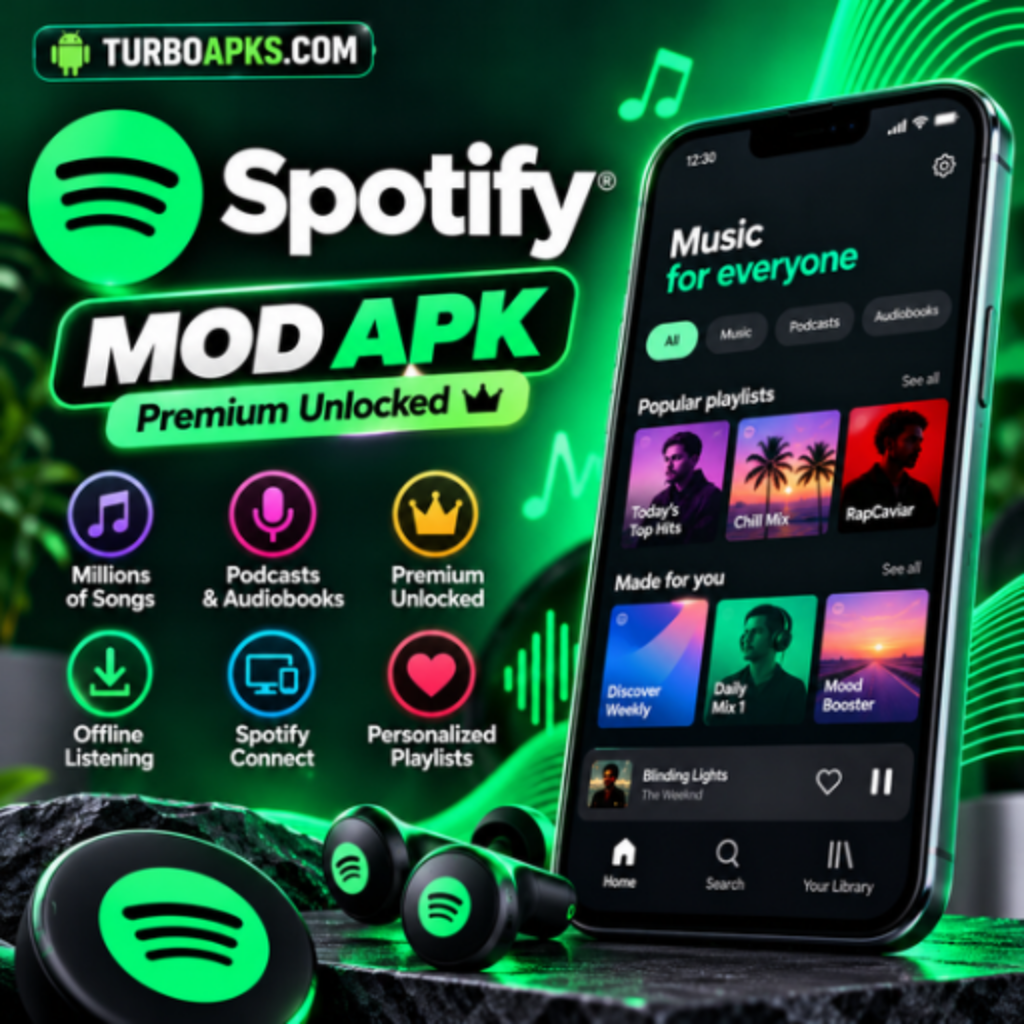
Image of the Spotify Mod APK
Tips for Using Spotify Mod APK Safely
You do not need to install an unofficial application to enjoy music conveniently. A few simple habits can help improve your listening experience.
1. Download Apps From Official Sources
Use the official Spotify website or your device’s trusted application store.
Avoid installing unknown files simply because a website promises free Premium features.
2. Use Strong Account Security
Choose a strong, unique password for your Spotify account. Never enter your login details into an unfamiliar website that promises to unlock paid features.
If an application requests unnecessary permissions or asks for sensitive information, treat it as a warning sign.
3. Adjust Music Quality
If your internet connection is slow, selecting a lower streaming quality can help reduce buffering.
When using mobile data, check your audio settings to avoid consuming more data than necessary.
4. Create Useful Playlists
Organise your favourite songs into playlists based on your daily activities. For example, you could create a playlist for relaxing after work and another for long journeys.
This makes it easier to find suitable music without searching for individual tracks every time.
5. Review Your Account Activity
Check your account if you notice unfamiliar activity, unexpected changes, or login problems.
If you believe someone else has accessed your account, change your password and follow Spotify’s official account security guidance.
6. Keep Your Apps Updated
Updates can fix problems, improve compatibility, and address security issues.
Use the official application and install updates from a trusted source whenever they become available.
Security Risks You Should Know
Security is one of the most important considerations when installing modified Android applications. An APK file is not automatically dangerous simply because it uses the APK format. However, an application changed by an unknown person can contain code that was not included in the original software.
Because the developer and modification process may be unknown, users may have difficulty determining what the application actually does.
1. Malware and Harmful Software
Malware is software designed to harm a device, steal information, or perform unwanted activities.
An untrusted application could potentially contain harmful code. This may put your personal information and device at risk.
2. Privacy Problems
Some applications request permissions that are not necessary for their main purpose. For example, a music application generally should not need unrestricted access to your contacts or text messages to play songs.
Unnecessary permissions should be treated carefully because they may expose personal information.
3. Account Security
Entering your Spotify Mod APK login details into an unofficial application may expose your account to additional risks. If the application handles your credentials insecurely, another person could potentially gain access to your account.
Using the official app reduces the uncertainty associated with unknown software.
4. Unexpected App Failures
Modified applications may stop working after a Spotify update. You might experience login problems, missing features, playback errors, or compatibility issues.
Because the application is unofficial, there may be no reliable developer support to help you fix these problems.
5. Account Restrictions
Using unauthorised modifications may violate Spotify’s applicable terms and policies. Depending on the circumstances, this could lead to access restrictions or other account-related consequences.
For these reasons, the safer choice is to use the official application and its supported features.
Pros and Cons of Spotify Mod APK
Before choosing an application, it helps to compare its potential advantages with its disadvantages.
| Potential Advantages Advertised by Modified Apps | Disadvantages and Risks |
|---|---|
| May claim to remove advertisements | Features are not guaranteed |
| May advertise additional playback controls | Some functions may stop working |
| May claim to unlock premium features | Official Premium access is not guaranteed |
| May offer an alternative interface | Security cannot be assumed |
| May appear to provide features without a subscription | Could expose personal information |
| May be available from third-party websites | Updates and support may be unreliable |
These advertised advantages should not be confused with verified benefits. An unofficial application may not deliver the features described by its distributor.
Is a Modified App Worth the Risk?
For most users, the potential security and reliability problems make unofficial modifications a poor choice. Think of it like buying a lock for your house from an unknown seller. It might look good, but you cannot be certain that it will protect your belongings.
The official application provides a more reliable way to listen to music, manage playlists, and protect your account.
Best Alternatives to Modified Music Applications
If you want to enjoy music without unnecessary risks, consider these alternatives.
1. Spotify Free
Spotify Mod APK Free allows users to listen to music without paying a regular subscription fee. Depending on the device and region, free users may have advertising, playback restrictions, or other limitations.
It is a useful starting point for people who want to explore Spotify before considering a paid plan.
2. Spotify Premium
Spotify Premium is designed for listeners who want additional playback control and an uninterrupted music experience. Official Premium benefits include:
- Ad-free music listening.
- Music downloads for offline playback.
- The ability to play songs in any order.
- Additional playback controls.
- Higher audio quality options, where supported.
Available plans, prices, and promotional offers can change, so check the official website for the latest information in your country.
3. YouTube Music
YouTube Music is another music streaming service. It allows users to discover songs, albums, playlists, and music videos. Its available features depend on the subscription, country, and device.
It may be worth comparing with Spotify if you regularly watch music videos or already use YouTube.
4. SoundCloud
SoundCloud is a music platform where users can discover tracks from independent artists, producers, and other creators. It can be useful for finding remixes, emerging musicians, and music that may not be easy to discover elsewhere.
Some content is available for free, while other features depend on the account or subscription.
5. YouTube
YouTube provides access to official music videos, live performances, interviews, and other music-related content. Users can explore music from artists around the world through its website and official application.
Some playback and offline features require a paid subscription.
Frequently Asked Questions About Spotify Mod APK
Here are answers to common questions people ask when researching modified Spotify Mod APK applications.
1. What Is a Modified Spotify Application?
It is an unofficial version of the Android app that has been changed by a third party. It may claim to offer extra features, but its functionality and safety are not guaranteed.
2. Is Spotify Mod APK Safe?
No modified application can be considered safe simply because a website claims it is secure.
An unofficial file may contain harmful software, request unnecessary permissions, or expose account information. The safest option is to use Spotify’s official application.
3. Can I Use Spotify Mod APK Without Paying?
Yes. Spotify Mod APK offers a free listening option in supported markets.
The free plan includes access to music, but some features are limited compared with Premium. Advertising and playback restrictions may also apply.
4. Can I Listen to Spotify Music Offline for Free?
Spotify’s official Premium plans support downloading music for offline listening. Free users can download podcasts for offline playback where supported, but downloading music for offline playback is a Premium feature.
Check Spotify’s current plan details for the rules that apply to your account and region.
5. Does a Modified App Provide All Premium Features?
Not necessarily. Some features may be unavailable, unreliable, or dependent on Spotify’s servers and account permissions.
An unofficial application cannot guarantee the same functionality as an eligible Premium subscription.
6. Can I Install an APK on an Android Phone?
APK files are used to install Android applications. However, the file format alone does not prove that an application is trustworthy.
Before installing any application, verify its source and avoid files from unknown distributors.
Conclusion
Music streaming makes it easier to enjoy favourite songs, explore new artists, and create playlists for different moments of the day. Spotify Mod APK provides a convenient platform for these activities through its free and paid listening options. Although modified applications may advertise unlocked features and fewer advertisements, their claims are not guaranteed. They can also introduce privacy concerns, security risks, compatibility problems, and potential account restrictions.
For most listeners, the official Spotify app is the more dependable option. Spotify Free provides a way to enjoy music without a subscription, while Premium offers additional features for users who want more control over their listening experience. Before installing any application, consider its source, security, and reliability. Choosing a trusted service helps you enjoy music while keeping your device and personal information better protected.
Research Sources
These official resources support the article’s information about Spotify Mod APK features, subscriptions, and app security: