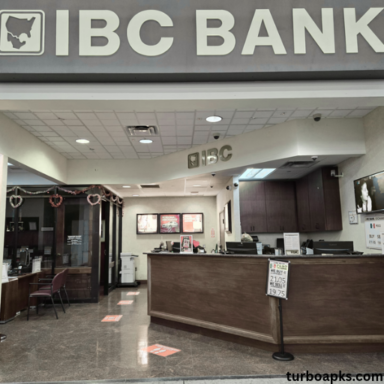
IBC Bank’s myIBC Card Controls app helps customers manage their debit cards securely and conveniently from their smartphones. Users can turn cards ON or OFF, monitor transactions, receive real-time push notifications, and manage online, in-store, and international transaction controls. The app also offers security features, account registration, biometric sign-in support, and alerts for unusual card activity.
With the new myIBC Card Controls app for Android and iOS, IBC Bank customers can enjoy improved card management, enhanced security, and greater control over everyday payments.
Key takeaways
- IBC Bank provides diverse financial services, including personal and business banking.
- The bank has a rich history dating back to its founding, emphasizing community involvement.
- Customers enjoy various benefits, such as competitive rates and strong customer support.
What is IBC Bank?
IBC Bank is a financial institution headquartered in Laredo, Texas, primarily serving the southwestern United States. It offers a comprehensive suite of banking services, including personal banking, business banking, and various lending options. The bank is recognized for its commitment to community development and customer satisfaction, making it a popular choice among individuals and businesses alike. IBC footprint has expanded significantly, with branches in key markets across Texas and Oklahoma, reinforcing its role in regional economic growth.
History of IBC Bank
Founded in 1966, IBC Bank has grown from a single branch in Laredo to a significant player in the banking sector with numerous locations across Texas and Oklahoma. The bank’s growth is attributed to its focus on customer service and community involvement, with initiatives aimed at supporting local businesses and enhancing economic development. Over the decades, Bank has weathered various economic cycles, demonstrating resilience and adaptability in its operations. The bank has also been involved in numerous philanthropic activities, reinforcing its commitment to the communities it serves.
Services Offered by IBC Bank
IBC Bank provides a wide range of services including checking and savings accounts, credit and debit cards, personal loans, mortgages, and business banking solutions. the bank offers investment services and financial planning, catering to both individual and corporate clients’ needs. Specifically, IBC features:
- Personal Banking: A variety of checking and savings accounts, including interest-bearing options, designed for everyday banking needs.
- Business Banking: Tailored solutions for small to medium-sized enterprises, including business loans, merchant services, and commercial real estate financing.
- Mortgage Services: Competitive rates on home loans, refinancing options, and expert guidance through the mortgage process.
- Investment Services: Access to investment accounts, retirement planning, and wealth management services to help customers grow their financial portfolios.
Why Do Customers Choose This Banking Institution?
Choosing a bank is an important decision because people trust it to protect their money and support their financial activities. A useful banking service should offer convenient account management, reliable customer assistance, and financial products that match different requirements. Here are some reasons customers may consider this institution:
- Different Account Options: Customers can explore checking and savings accounts according to their financial needs.
- Digital Banking: Online and mobile services make it easier to manage everyday transactions.
- Branch Accessibility: Physical banking locations are available throughout several communities in Texas and Oklahoma.
- Business Banking: Companies can access financial services designed to support business operations.
- International Services: Customers can explore foreign currency exchange and other international banking solutions.
- Customer Support: Banking representatives can help customers understand available products and account services.
These services make it possible to manage several financial activities through one banking relationship.
Understanding the Mobile Banking Experience
Mobile banking has changed how people manage their finances. Instead of visiting a physical branch for every small transaction, customers can use a smartphone to access many banking services. The official mobile banking application provides access to several useful account management tools. After completing enrollment and signing in, eligible customers can perform supported banking activities directly from their devices. Some available mobile banking functions include:
- Checking account balances.
- Reviewing recent transactions.
- Transferring money between eligible accounts.
- Paying bills online.
- Depositing checks using a mobile device.
- Viewing account statements.
- Managing debit card settings.
- Finding nearby ATMs and banking locations.
These features are particularly useful for people who want to manage their finances while travelling, working, or staying at home.
How to Access Online Banking?
Online banking provides another way to manage financial accounts without visiting a branch. Customers can access the official online banking portal through a computer, tablet, or compatible smartphone. Follow these general steps:
- Visit the official website at www.ibc.com.
- Find the Online Banking section.
- Select the enrollment option if you are a new user.
- Provide the required account information.
- Complete the identity verification process.
- Create your login credentials.
- Sign in to access your available banking services.
Existing customers can use their registered login details to access their accounts. Never share your password, verification codes, or other confidential banking information with anyone.
Business Banking Solutions
Businesses need financial services that help them manage daily operations, employee payments, customer transactions, and future growth. The bank offers commercial banking solutions for different types of businesses. These services can help business owners manage their finances and organize important transactions. Some available business banking services include:
- Business checking accounts.
- Business savings accounts.
- Commercial loans.
- Business lines of credit.
- Online business banking.
- Electronic payments and transfers.
- Merchant and cash management services.
- International trade and foreign exchange services.
Business account requirements and available features may vary depending on the selected service and the company’s financial needs.
International Banking and Currency Exchange
International banking is another important part of the institution’s services. Its location near the United States and Mexico border makes cross-border financial services particularly relevant to many customers. Customers can explore foreign currency exchange, international wire transfers, letters of credit, and international trade services.
Currency exchange is useful for people who travel or conduct financial activities involving different currencies. Exchange rates change regularly, so customers should check the current rate and applicable fees before completing a transaction.
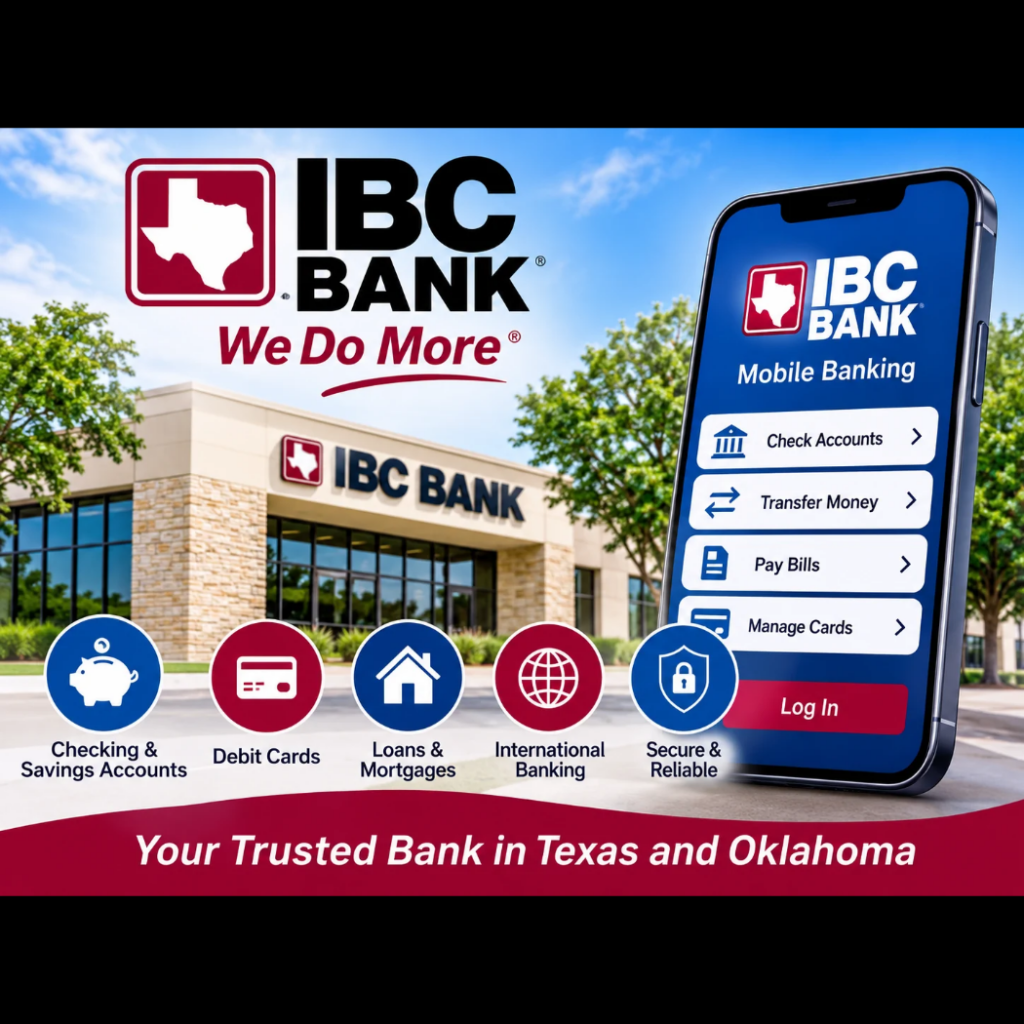
Image of the IBC Bank
Security and Customer Account Protection
Online banking provides convenience, but protecting financial information is equally important. Customers should follow basic security practices whenever they access their accounts through a mobile device or computer. Here are some useful safety recommendations:
- Create a strong and unique banking password.
- Enable additional security verification when available.
- Avoid accessing financial accounts through public Wi-Fi networks.
- Never share your login information with strangers.
- Download the official banking application from a trusted app store.
- Keep your smartphone and banking application updated.
- Review account transactions regularly.
- Contact the bank immediately if you notice suspicious activity.
The bank also provides fraud prevention information to help customers understand common financial scams and protect their accounts. Eligible deposits at its FDIC-insured subsidiary banks are protected according to applicable FDIC coverage rules and limits. Investment and insurance products are not automatically FDIC-insured.
Benefits and Limitations
Every financial institution has advantages and conditions that customers should understand before choosing its services.
| Benefits | Limitations |
|---|---|
| Different personal banking options | Services may vary by location |
| Online and mobile banking access | Internet access is needed for digital banking |
| Business financial solutions | Some accounts have specific requirements |
| Debit card management features | Certain transactions may involve fees |
| International banking services | Exchange rates can change |
| Physical branches and ATMs | Branch access is concentrated in its service areas |
Understanding these points can help customers decide whether the available banking services meet their requirements.
Who Can Benefit From These Banking Services?
These financial services may be useful for different groups of people.
Individuals: People who need checking accounts, debit cards, and convenient ways to manage everyday spending.
Families: Households that want to organize their finances and save money for future expenses.
Students: Eligible students who want to learn basic money management and use suitable banking products.
Business Owners: Entrepreneurs who need business accounts, commercial financing, and payment management services.
International Customers: People and businesses who need access to supported currency exchange and international financial services.
However, account eligibility, identification requirements, and product availability depend on the bank’s policies.
Comparing IBC Bank with Other Financial Institutions
When compared to other financial institutions, IBC Bank stands out for its community-focused approach and personalized service. While larger banks may offer more extensive ATM networks and diverse financial products, Bank’s competitive rates and customer-centric policies make it an appealing option for many.
Potential customers should consider their specific banking needs when evaluating Bank against other options. For those prioritizing local service and community engagement, IBC presents a compelling choice. the bank’s commitment to transparency in fees and interest rates further enhances its appeal over some competitors.
Frequently Asked Questions
What types of accounts does IBC Bank offer?
IBC offers various accounts, including checking accounts, savings accounts, and money market accounts tailored to meet diverse customer needs.
Does IBC Bank provide online banking services?
Yes, Bank offers online banking services that allow customers to manage their accounts, pay bills, and transfer funds conveniently.
How can I contact IBC for customer support?
Customers can contact IBC through their website, by phone, or by visiting a local branch for assistance with their banking needs.
Are there any fees associated with IBC accounts?
Bank accounts may have associated fees, but they are generally competitive and transparent. It’s best to check the specific account details for fee structures.
Final Thoughts
IBC Bank is choosing the right banking service can make everyday financial management easier. From checking and savings accounts to mobile banking, business solutions, and international financial services, this institution offers several options for customers with different financial needs.
Its combination of physical banking locations and digital account management tools gives eligible customers different ways to access their money and manage transactions. Before opening an account, review the available features, minimum deposit requirements, interest rates, and service fees to find an option that suits your needs. For the most accurate information about accounts, mobile banking, and available financial services, visit the official website at https://www.ibc.com/.