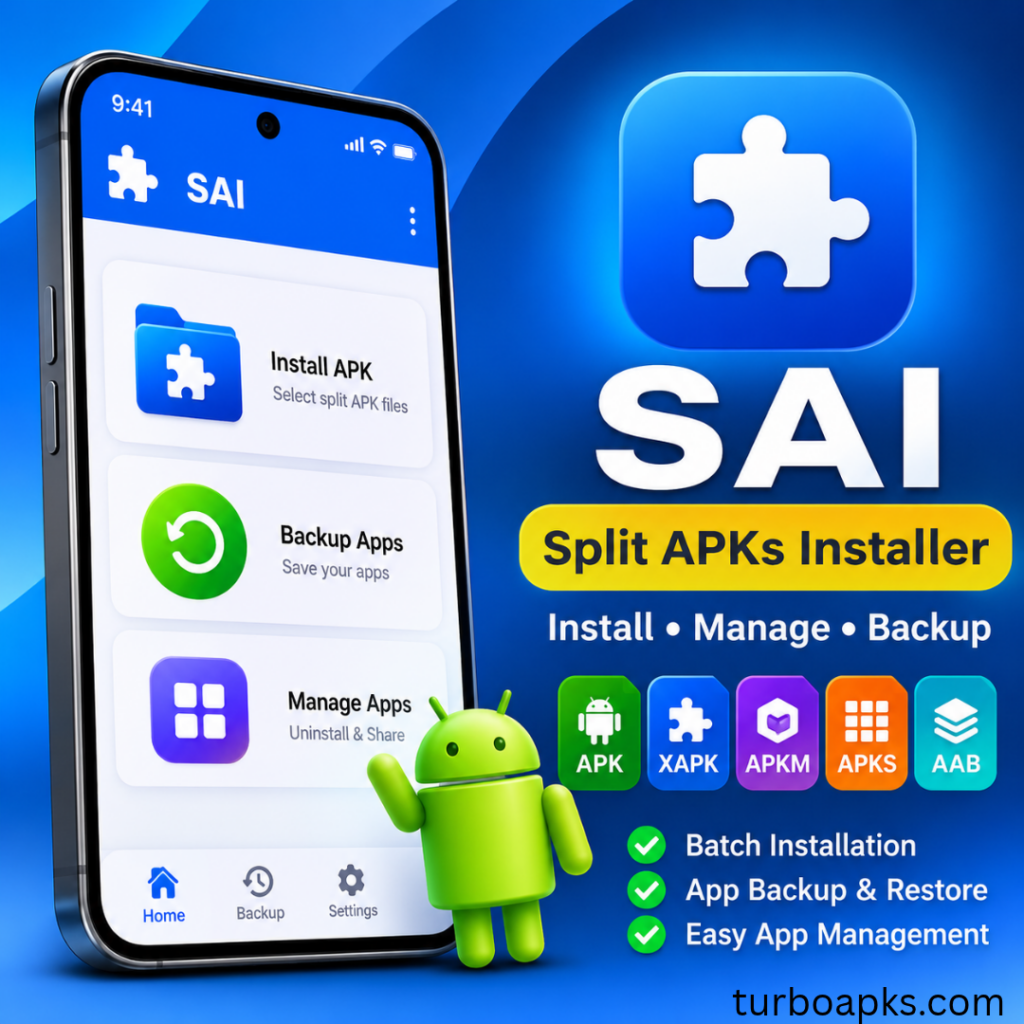
SAI: Split APKs Installer is a powerful Android utility designed to install and manage APK bundles, split APKs, XAPK, APKM, APKS, and AAB files. It offers batch installation, Backup Manager, and App Manager features to install, uninstall, organize, share, and restore Android applications.
SAI makes handling multiple APK files easier, especially for large games and apps distributed outside the Google Play Store. The latest version 2.4.3, released on October 20, 2026, improves backup navigation, scroll position restoration, and user interface performance.
What Makes Split APK Installation Different?
Traditional Android applications often come as a single APK file. You can download the file, open it, and follow the installation instructions on your phone. However, modern Android applications can use a different distribution method called Android App Bundles. Developers use this approach to provide different application components depending on the device, screen size, language, and hardware configuration.
As a result, an application may contain several APK files instead of one complete package. These are commonly known as split APKs. Installing these files individually can be confusing because Android needs the correct base package and its required configuration files. A compatible installer makes this process easier by handling the selected components together.
How Does SAI Help Android Users?
SAI is designed to simplify the installation and management of split APK packages. It allows users to select compatible application files stored on their devices and send them through an installation process.
The application is particularly useful when a downloaded app contains several package components. Rather than opening each file separately, users can select the required files and install them as a combined application. It also includes additional management options that help users create backups and restore supported applications when needed.
Main Tools That Make the Installer Useful
Support for Different APK Formats
One of the main advantages of this installer is its support for different Android package formats. Depending on the version and file compatibility, users can work with APK, XAPK, APKM, and APKS packages.
This flexibility is useful when downloading applications from different sources.
Split APK Installation
Some applications contain a base APK and additional configuration packages. The installer helps users select and process these components together.
This reduces the confusion associated with installing multiple files manually.
Application Backup and Restore
The backup functionality helps users save supported installed applications for future use. They can restore their saved packages when necessary without searching for every installation file again.
Backup availability and features may depend on the application version and subscription options.
Application Management
The app also provides tools for managing installed applications. Users can organize their applications, review available options, and access supported management features from one place.
Batch Installation
Selecting multiple compatible APK components can make the installation process more convenient. Users do not need to handle every component as a separate installation.
Which Android File Formats Can You Install?
Understanding Android package formats helps you choose the correct installation method.
APK: The standard Android application installation file. Most ordinary Android applications are distributed in this format.
XAPK: A third-party package format that may contain an APK file, additional application data, or other required components.
APKM: A package format commonly used to distribute applications containing multiple APK components.
APKS: A package archive that can contain a collection of split APK files required for installing an application.
Split APKs: Individual application packages that work together to provide a complete Android application.
Not every installer supports every package in exactly the same way. Always check the file structure and compatibility before installing it.
How to Install Apps Using the Installer?
Installing a compatible application package is relatively straightforward. Follow these general steps:
- Download the compatible application package to your Android device.
- Install a trusted version of the split APK installer.
- Open the installer after completing its setup.
- Select the option to choose an APK or application package.
- Locate the downloaded file in your device storage.
- Select the required APK components if the package contains multiple files.
- Review the selected installation files.
- Tap the Install option to begin the process.
- Confirm the Android installation request if prompted.
- Wait for the installation to finish and check whether the application opens correctly.
The exact steps may vary depending on the installer version, Android version, and package format.
Image of the SAI
Important Things to Check Before Installing
Before installing any third-party Android application, take a few precautions. First, make sure the package comes from a trustworthy source. An APK file can contain unwanted or harmful software if it has been modified. Second, check whether the package supports your Android version and device architecture. An incompatible file may produce an installation error. Third, make sure your device has enough free storage space. Large games and applications may require additional space for temporary files and application data.
Finally, review the permissions requested by the installer and the application you want to install. Avoid granting unnecessary access to personal information.
Common Installation Problems and Their Solutions
App Not Installed Error
This message can appear when the selected package is incompatible, incomplete, or conflicts with an existing application.
Check the package files and make sure you are installing the correct version.
Missing APK Components
Some applications require several split packages to work properly. If one of the required components is missing, the installation may fail.
Download the complete package from a reliable source.
Android Version Incompatibility
An application may require a newer Android version than the one installed on your device.
Check the application’s minimum system requirements before trying again.
Insufficient Storage
Your phone needs enough available space to process and install the selected package.
Remove unnecessary files or applications to free up storage.
Installer Compatibility Problems
Some Android devices and custom ROMs may have limitations that affect split APK installation.
Try checking for an updated installer version or use another compatible installation method.
Is It Safe to Use a SAI Split APK Installer?
A SAI Split APK installer is a tool for processing application packages, but it does not automatically make every downloaded file safe. The security of an installed application depends on its original source, developer, digital signature, permissions, and contents.
Download the installer from an official or reputable source whenever possible. Avoid unknown modified packages, especially those requesting unnecessary permissions. Remember that the installer cannot guarantee the safety of third-party applications you choose to install.
Who Can Benefit From This Android Tool?
This type of installation utility can be useful for several groups of Android users.
- Android enthusiasts: People who regularly download and test applications from different sources.
- Mobile gamers: Users who install large games distributed through multiple APK components.
- Advanced Android users: People who understand application packages and want more control over installations.
- App collectors: Users who want to keep backups of supported applications.
- Technology learners: Beginners who want to understand how modern Android application packages work.
However, users who only install applications through Google Play may not need an additional installation tool.
Advantages and Disadvantages
| Advantages | Disadvantages |
|---|---|
| Supports different Android package formats | Beginners may find split APK files confusing |
| Helps install multiple APK components | Some device configurations may cause errors |
| Provides backup and restore options | Certain features may require payment |
| Offers application management tools | Third-party files can contain security risks |
| Makes compatible package installation easier | Not every package is supported equally |
Real-World Examples of SAI: Split APK
Many users have successfully utilized SAI: Split APK to install popular applications that are otherwise difficult to obtain. For instance, gaming enthusiasts often use to install modified versions of games that provide enhanced features not available in the standard versions. This includes access to additional levels, characters, or in-game resources, which can significantly enhance the gaming experience.
Additionally, developers may leverage to test their applications across different device configurations without the need for multiple installations. This flexibility allows for more efficient testing and development processes, enabling developers to ensure their apps function well on various devices and Android versions. It can be particularly useful during the debugging process, as it allows developers to quickly install and uninstall different app versions. Overall: Split APK serves as a valuable tool for a wide range of users, from casual app installers to professional developers, facilitating easier access to applications while optimizing device performance.
Benefits and Challenges
Benefits and challenges of SAI: Split APK.
Benefits
- SAI: Split APK can expand access to applications.
- Clear installation processes enhance user experience.
- Supports installation of apps not available on the Play Store.
Challenges
- Installation errors can occur if components are missing.
- Not all devices may support split APKs effectively.
- Compatibility issues may arise with certain APK configurations.
Frequently Asked Questions
What is a split APK?
A split APK is a method of packaging an Android application into multiple APK files, allowing for reduced size and optimized performance. This method is commonly used for larger apps that need to cater to different device configurations.
Can I use SAI: Split APK on any Android device?
SAI: Split APK can be used on most Android devices that support the installation of APK files. However, compatibility may vary depending on the device’s specifications and Android version.
Is SAI: Split APK safe to use?
Yes, SAI: Split APK is generally considered safe to use, especially when downloaded from trusted sources like GitHub or F-Droid. Always ensure that you download applications from reputable platforms to avoid security risks.
What should I do if I encounter installation errors?
If you encounter installation errors, check to ensure that all required APK components are present and correctly selected. Additionally, verify that your device meets the app’s compatibility requirements and consider updating your firmware.
Final Thoughts
Installing Android applications is not always as simple as opening a single APK file. Modern applications can contain several components that need to be installed together. A dedicated installation utility can make this process more manageable by providing package selection, installation, and application management features.
Overall, SAI: Split APKs Installer is worth understanding if you regularly work with Android application bundles or download apps outside the Google Play Store. Just remember to use trusted files, check device compatibility, and review permissions before installing anything on your phone.